ScreenCast – going through assessment >
This is the assessment (as on Google Classroom) >
List of buildings ideas
- Government/public buildings eg. National Library, National Gallery, National Museum, High Court, Parliament House, War Memorial
- Churches – so many good ones St. Andrews Presbyterian Church, Forrest, St. Christopher’s Cathedral (Manuka), Finnish Lutheran Church of Canberra (Turner), Russian Orthodox Church of St. John the Baptist, (Narrabundah), St. Ninian’s Uniting Church (Lyneham), ANZAC Memorial Chapel of St. Paul, (Royal Military College, Duntroon), 7. Greek Orthodox Church of St. Nicholas, (Telopea Park, Manuka), O’Connor Uniting Church (O’Connor) Salvation Army Canberra City Temple, Baptist Church (Kingston), St. Stephen’s Presbyterian Church (Queanbeyan)
- Hotels – Hotel Hotel (Nishi Building), QT Hotel, Little National Hotel, Hotel Realm
- Real Estate photography – your own house
Resources for choosing photographers
- https://photographywithtiffany.photo.blog/architecture-photography/
- https://photographywithtiffany.photo.blog/resources/photographers-listed-by-theme/
- https://bestrealestatephotographers.com/australia/
Final tips : Interior / real estate photography
For interior photos, we are looking at the same things as the exterior photos. Documenting the building and elements of design. Looking how we could show the purpose of the building for example this photo >

It shows the design of the building and the structure of the roof of the train station but also the purpose, from the moving trains and people moving around. Trying to show the space as you use it. This is more of an architecture style interior. You are trying to show the function and design of the space.
Here are some examples of real estate interiors >
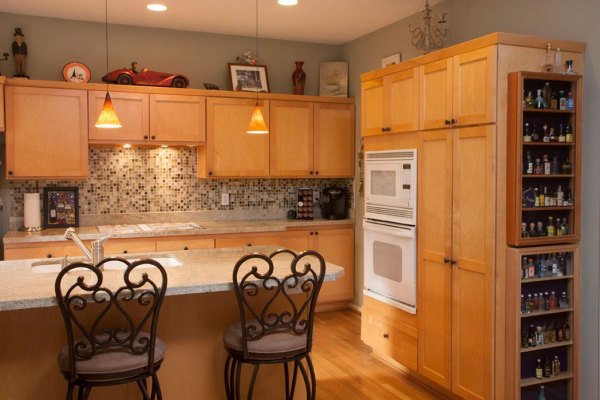
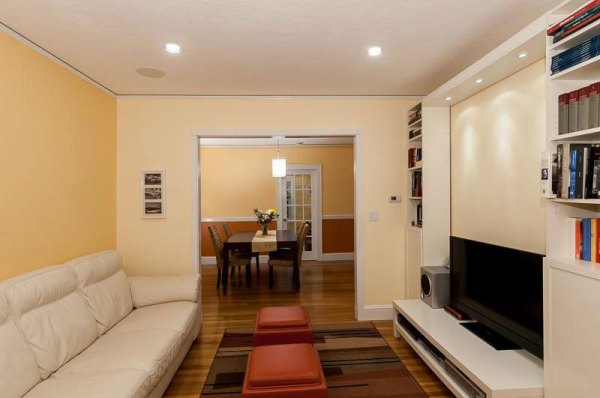
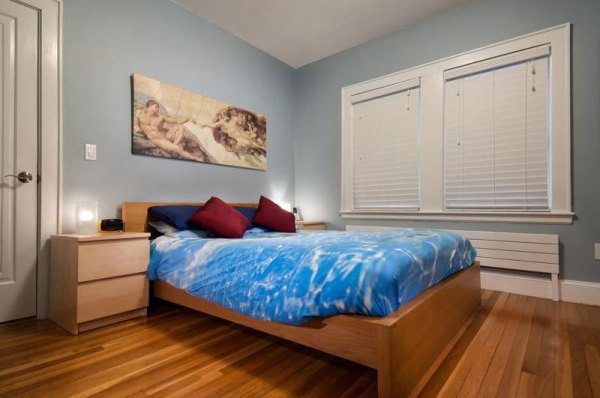
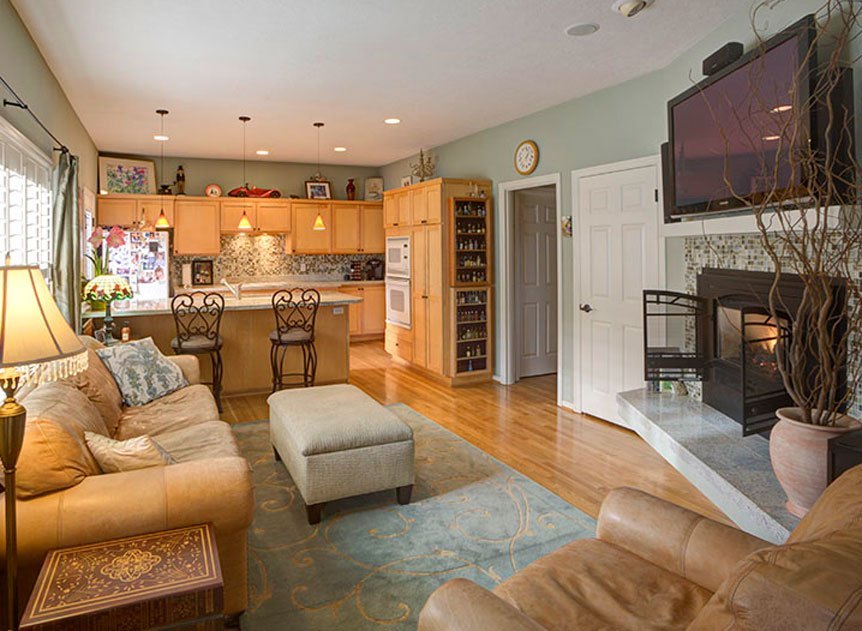
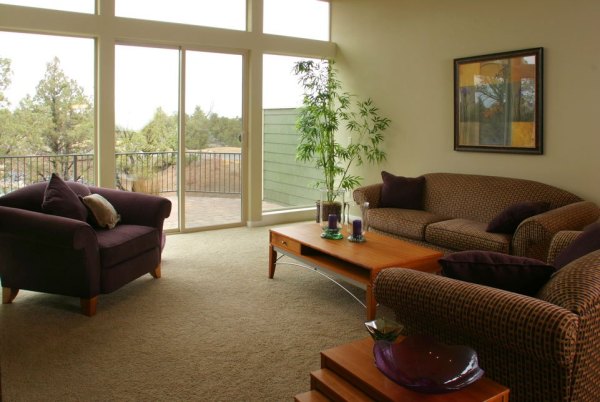
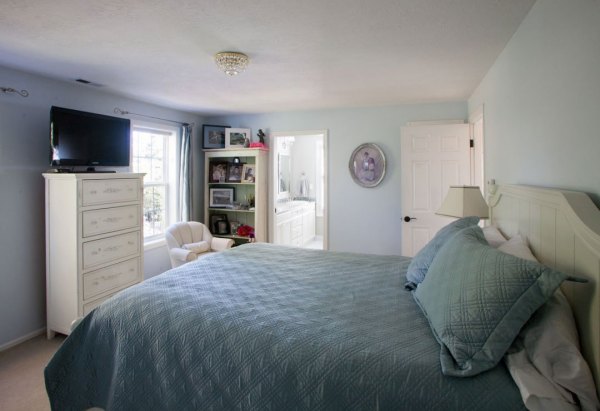
You can see how the images are documenting the space as a room within the house. Showing it as a whole and its purpose. Look at how the camera angle and lighting has been considered.
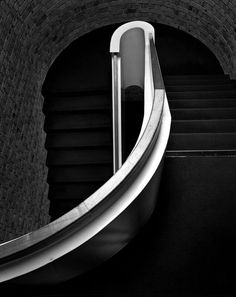
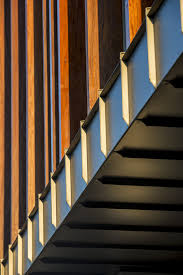
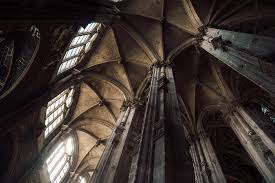
The final part after looking at the documenting the building as a whole and the “spaces” would be looking at the architectural details and design. Eg:
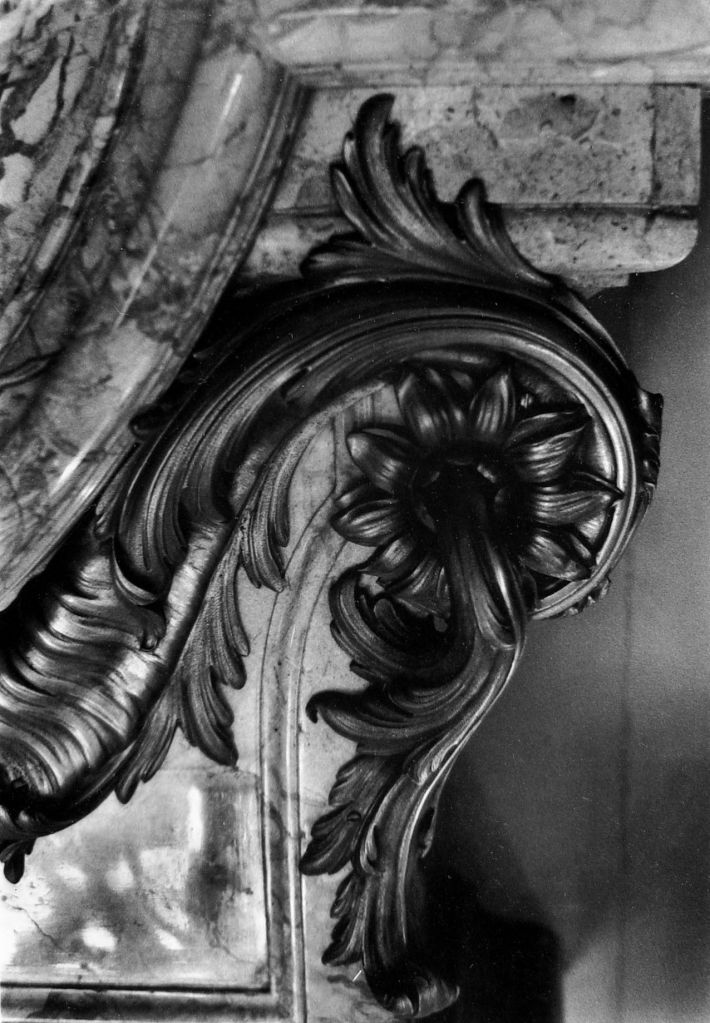
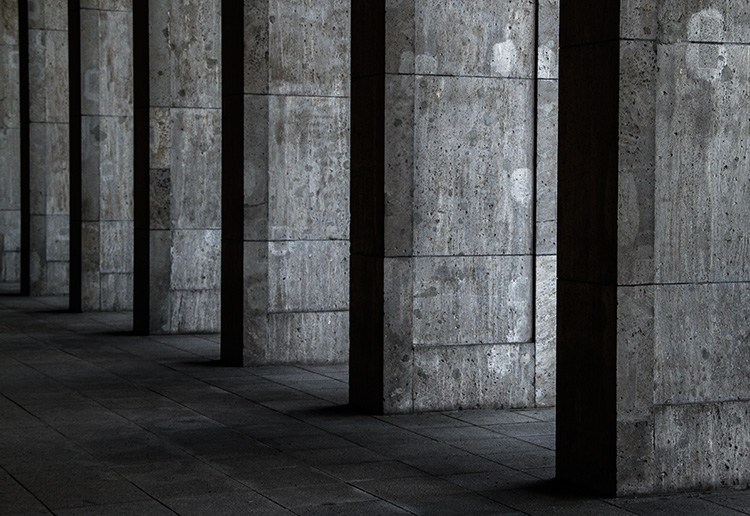

WATCH ME – SCREENCAST
Editing – Lightroom >
Behance – adding projects >
Contact sheets – without lightroom >
For contact sheets, (if you don’t have access to Lightroom) I would create a Google Drive folder with a folder of all your original unedited photos and a folder of your final photos which you link into your assignment Google Doc.
Eg. Original Images https://drive.google.com/open?id=1NRt2jENy7MxX6S8ZhT_sgQERrbCw3Y4u
Contact sheets in Lightroom >
Please check you have also joined the PhotoApps Team on Behance? to join, click the link and click request verification on the left hand side.
 Photography with Tiffany