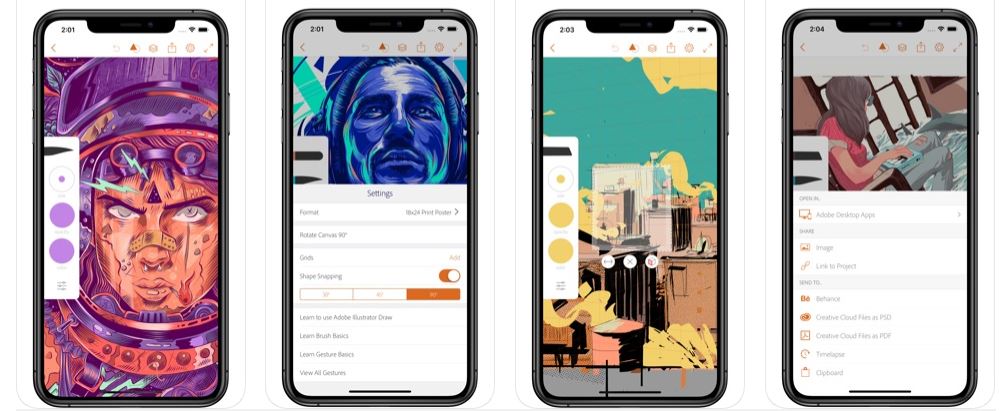
Today you will use the class time to complete a task using the Adobe Draw App.
- Download and open Adobe Draw to your phone/Ipad/Chromebook
- It operates similarly to Photoshop where you can create layers.
- Open an image of your choice, use the examples below as inspiration.
- Create minimum 3 different designs.
- Add to your Visual Diary with the Title as above.












 Photography with Tiffany