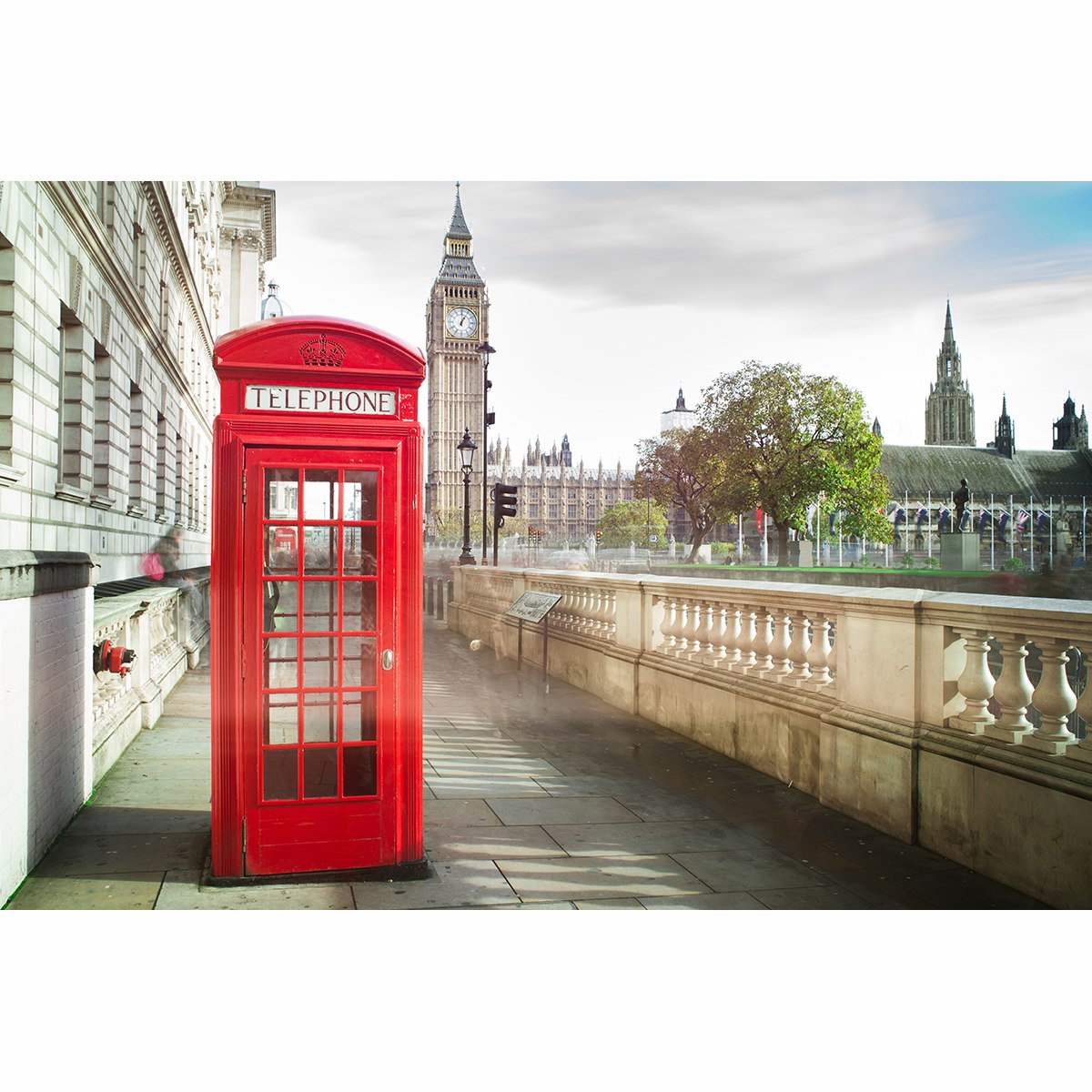
Learn how to select, mask and adjust image colour in Photoshop.
Selective colour is a post-processing technique where most of a photo is converted to black and white, but some parts are left in colour drawing the eye to these sections. This is usually achieved by using layers and masks in photo editing software.
Here are some examples where this has been done well:
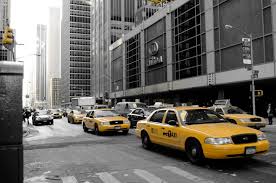

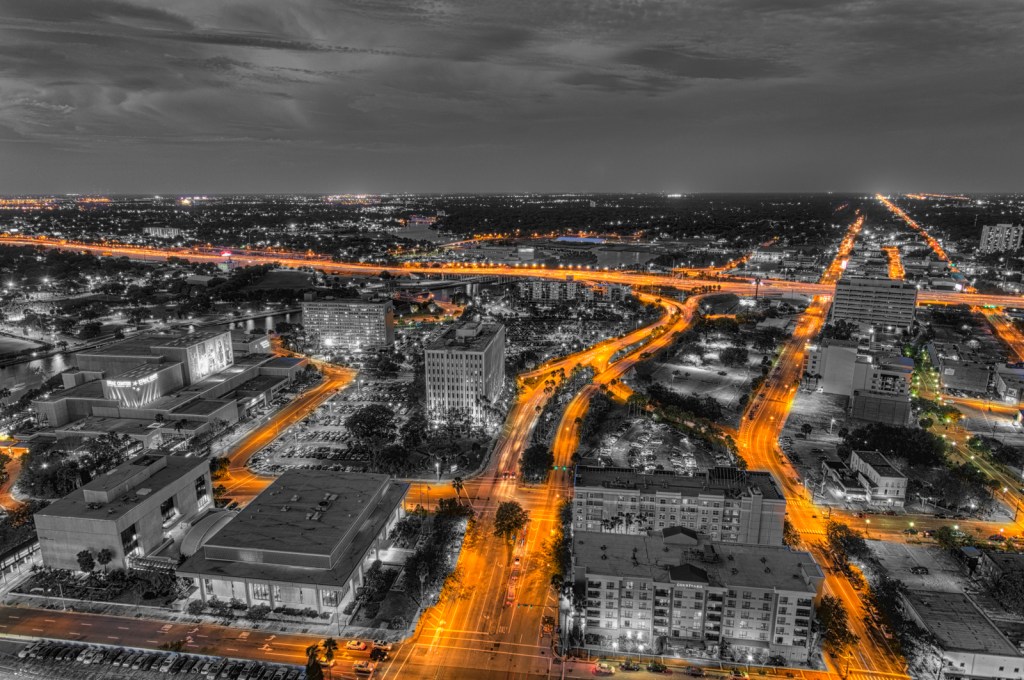
Use the following tutorial and image: (This is one of many ways to do this)
If you are not a fan of this method here are a few ways you can do this in Lightroom > https://digital-photography-school.com/selective-color-more-dynamic-images/
Add this image (before and after edit) and one of your own images to your Visual Diary, along with the steps to create it and reflection.
Suggested template for reflection:
- What did you learn from this task? (Use “I can…” as a sentence starter)
- What did you like about this task?
- What was difficult? (Use “I am struggling with…” as a sentence starter)
- How did you solve problems?
- Is your image successful, if so, why?
- What adjustments (edits) did you do to your image? (include before and after and camera settings if available)
- What else could you change if you had more time or resources?
 Photography with Tiffany